TracXLogis Logo

Calculator
SmartShip

SmartShip

From order to shipment,
manage your own store and open markets in one place—
a smart e-commerce logistics platform

Sending a personal or small-volume parcel? Use SmartPost→
550K+Registered customers
100M+Cumulative shipping labels
70+Country network
WHY SMARTSHIP?

Still collecting orders and entering invoices
manually every day?

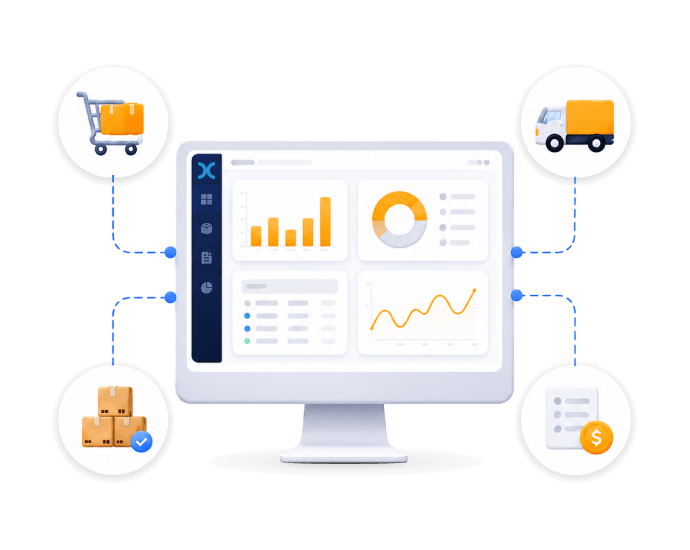
Manage orders, inventory, shipping, and costs in one place with SmartShip.

Order collection
Inventory check
Export declaration
Invoice entry
Shipping cost settlement
Delivery tracking
CORE VALUE

Three ways to make
complex logistics
simpler

CORE FEATURES

Even the moments sellers miss
handled smartly

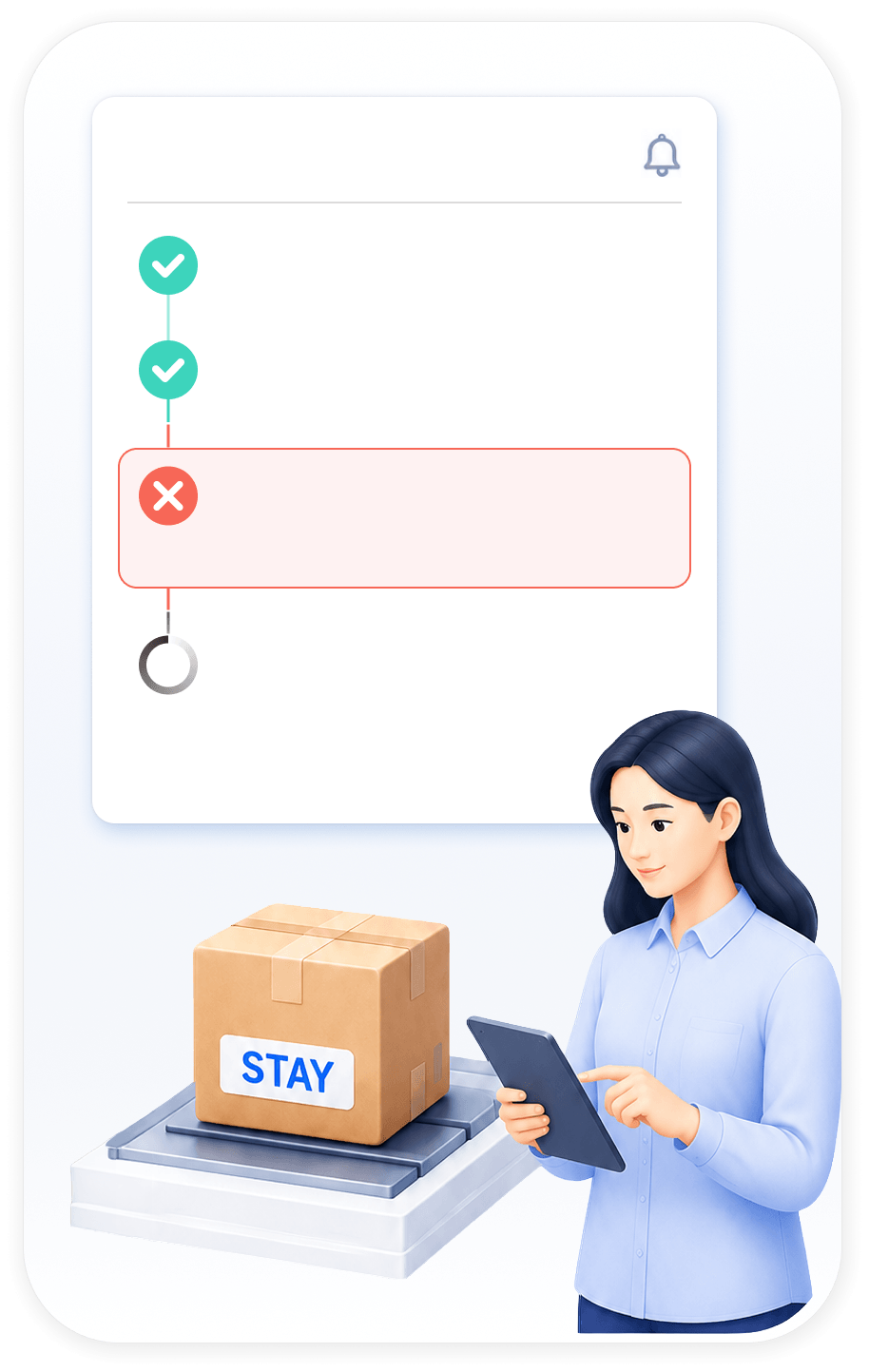
  • Wrong-shipment prevention

    Don't worry about orders canceled right before dispatch.

    Double-check order status to reduce the risk of shipping the wrong order.

    Order status
    • Order received
    • Payment completed
    • Canceled right before dispatch
    • Awaiting shipment
  • Traditional waySmartShip
    Completed
    automatically

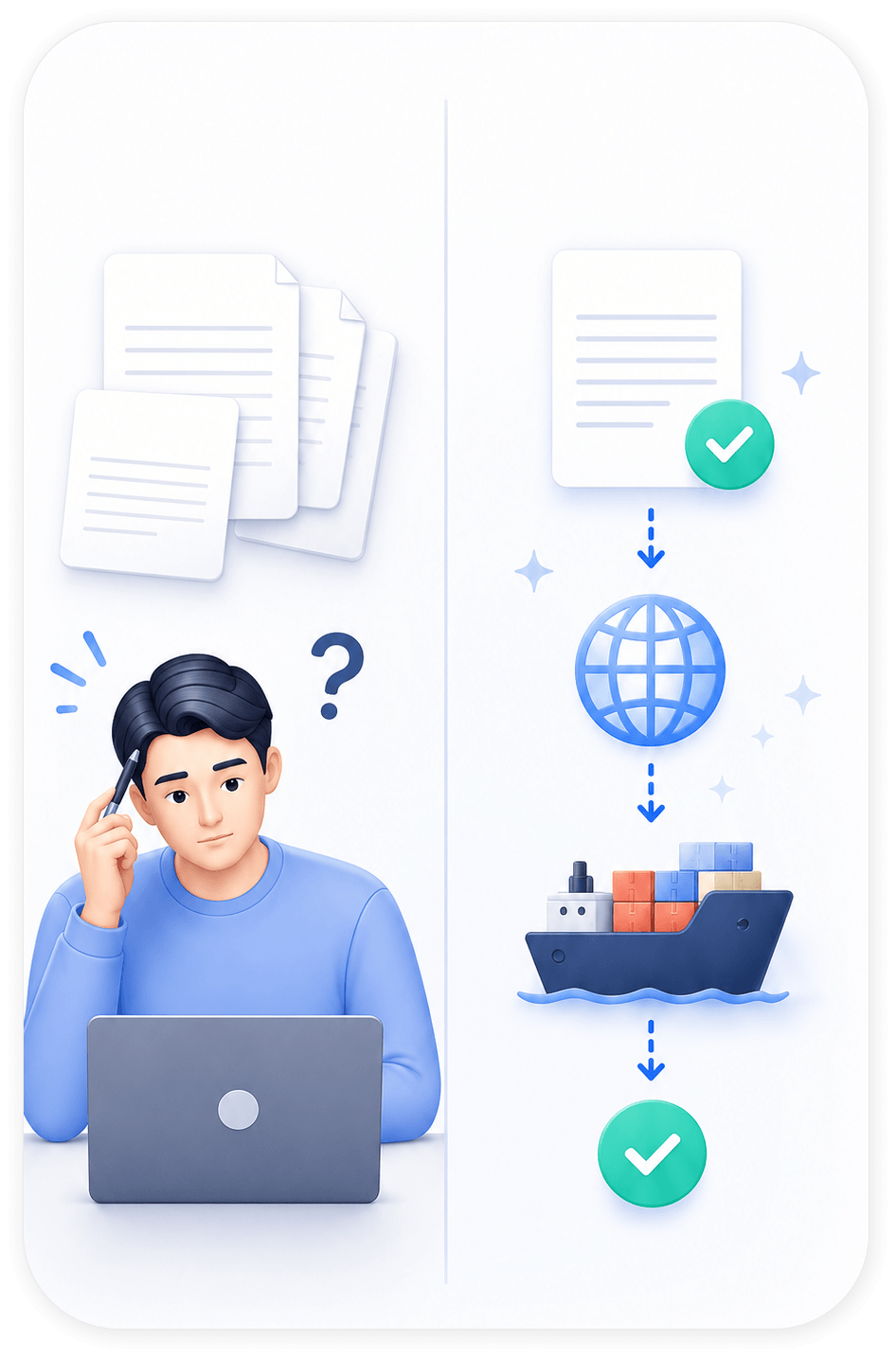
    Automatic import/export declaration

    Cut the burden of repetitive customs data entry.

    Even sellers new to export declaration can handle it easily.

BEST FOR

We recommend this for you

01

Global Multi-Channel Sellers

Manage orders from multiple channels in one place

  • Sellers who manage orders from multiple channels one by one in Excel
  • Sellers who want to view orders and inventory by marketplace at a glance
  • Sellers who want to simplify invoice entry and shipping management

02

Brands That Require Accuracy

Reduce mis-shipments and customer support workload

  • Brands that want to reduce exchanges and returns caused by mis-shipments
  • Brands that need accurate order processing and shipping quality control
  • Brands that want to prevent customer support issues in advance
03

Cross-Border Startups

Make international shipping and customs clearance easier

  • Sellers who have started international shipping but find customs clearance and declaration procedures difficult
  • Sellers who spend too much time on repetitive data entry and document work
  • Growing sellers who want to expand global sales quickly
04

Small Sellers New to International Shipping

Start international shipping more easily

  • Sellers who are new to international shipping and do not know where to begin
  • Sellers who want to follow complex shipping procedures more easily
  • Sellers who want to check delivery status easily after shipment
HOW IT WORKS

For your outbound method
Check the process steps

View step-by-step flows for seller direct outbound and fulfillment outbound.

Seller steps

  • step01Register Orders
    Register domestic and overseas marketplace orders automatically or manually
    Auto collectionManual entry
  • step02Label printing
    Print and attach shipping labels based on order information
    PackingCarrier assignmentLabel printing
  • step03Send to center
    Send shipments to the TracX Logis pickup center
    PickupCenter inbound

TracX Logis steps

  • step04Inbound
    Receive shipments at the center and attach outbound labels
    Center inboundOutbound label
  • step05Outbound
    Ship and monitor delivery status
    Domestic deliveryInternational deliveryTracking

You can track every stage in SmartShip.

MARKET INTEGRATION

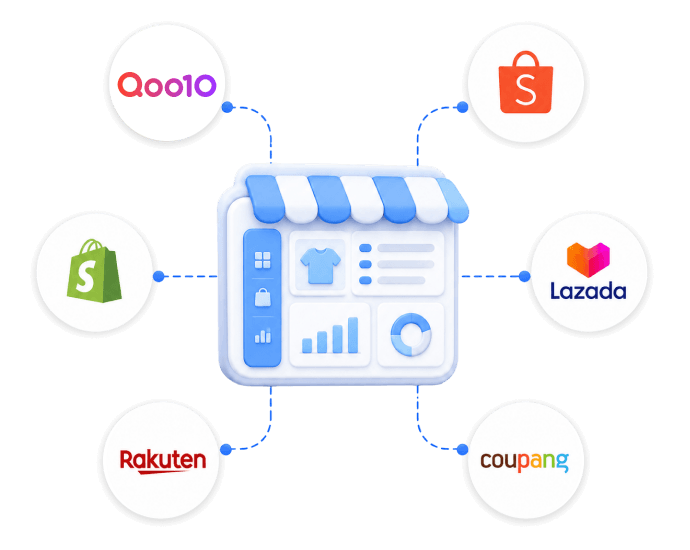
Too many sales channels?
Manage orders in one place

Order integration with over 50 domestic and international marketplaces

PREVIEW

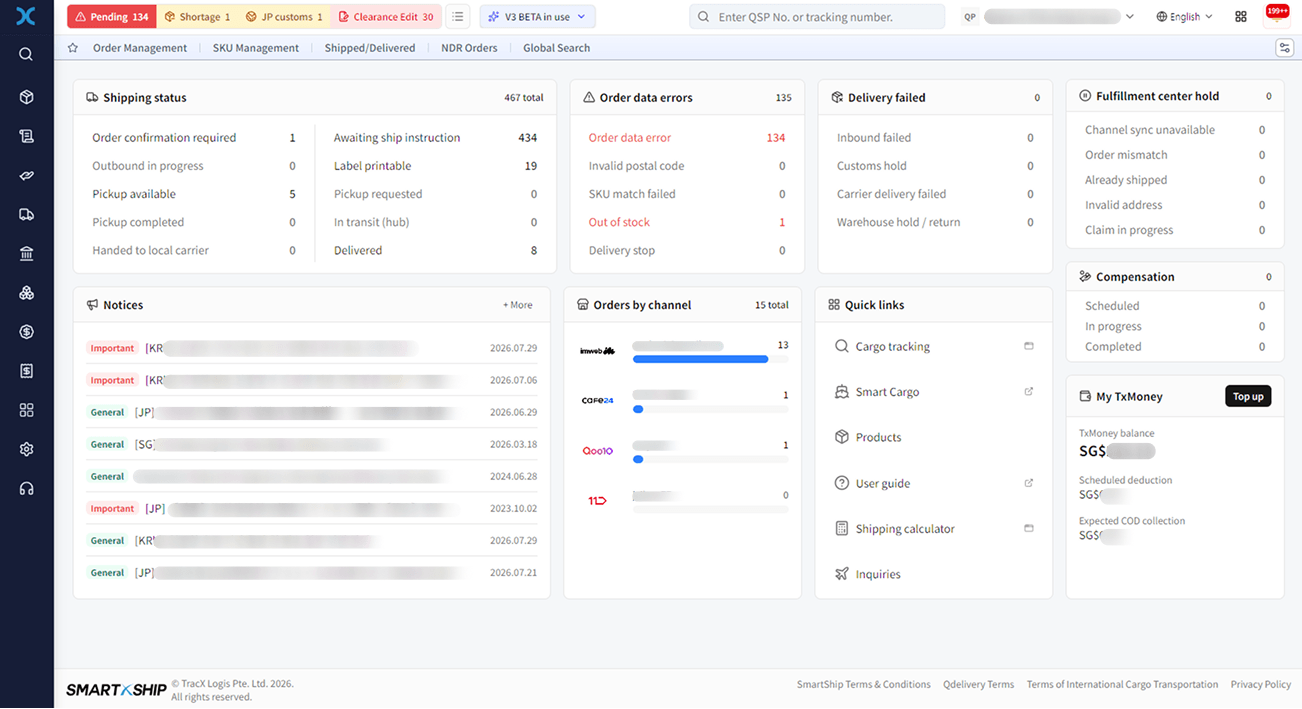
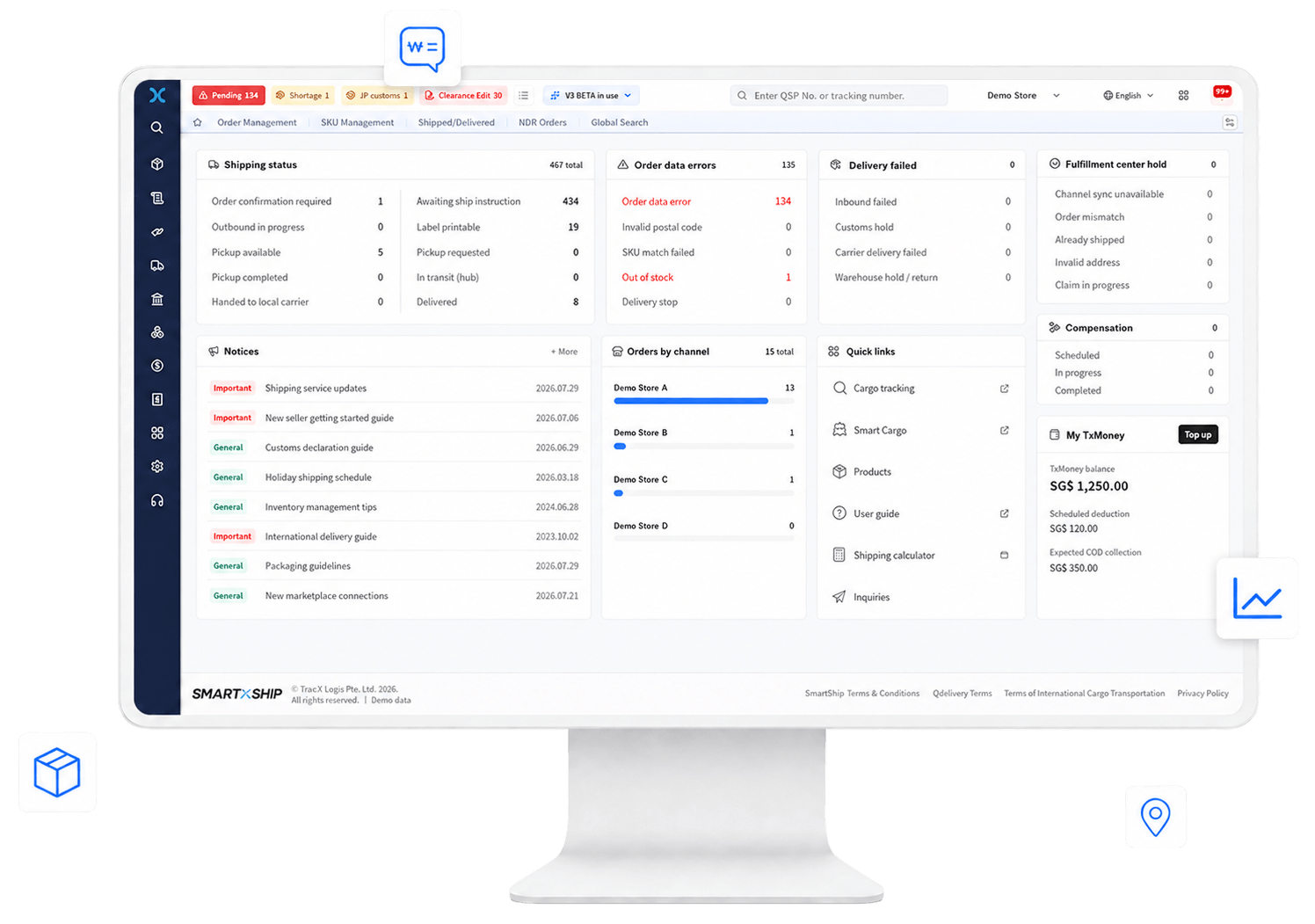
Take a preview of SmartShip

Explore key screens and selected features to see how you can use SmartShip.
* The SmartShip preview is available on PC only.

SmartShip
Leave shipping and order management to SmartShip,
and focus on sales.
    TracX Logis